
A terminal-first ADE for the coding agents you already use
Open your projects, run agents like Claude Code, Codex and opencode in real terminals, and keep git — worktrees, diffs and pull requests — in view without leaving the window.
Linux one-liner — detects your distro, verifies the checksum, installs the native package.
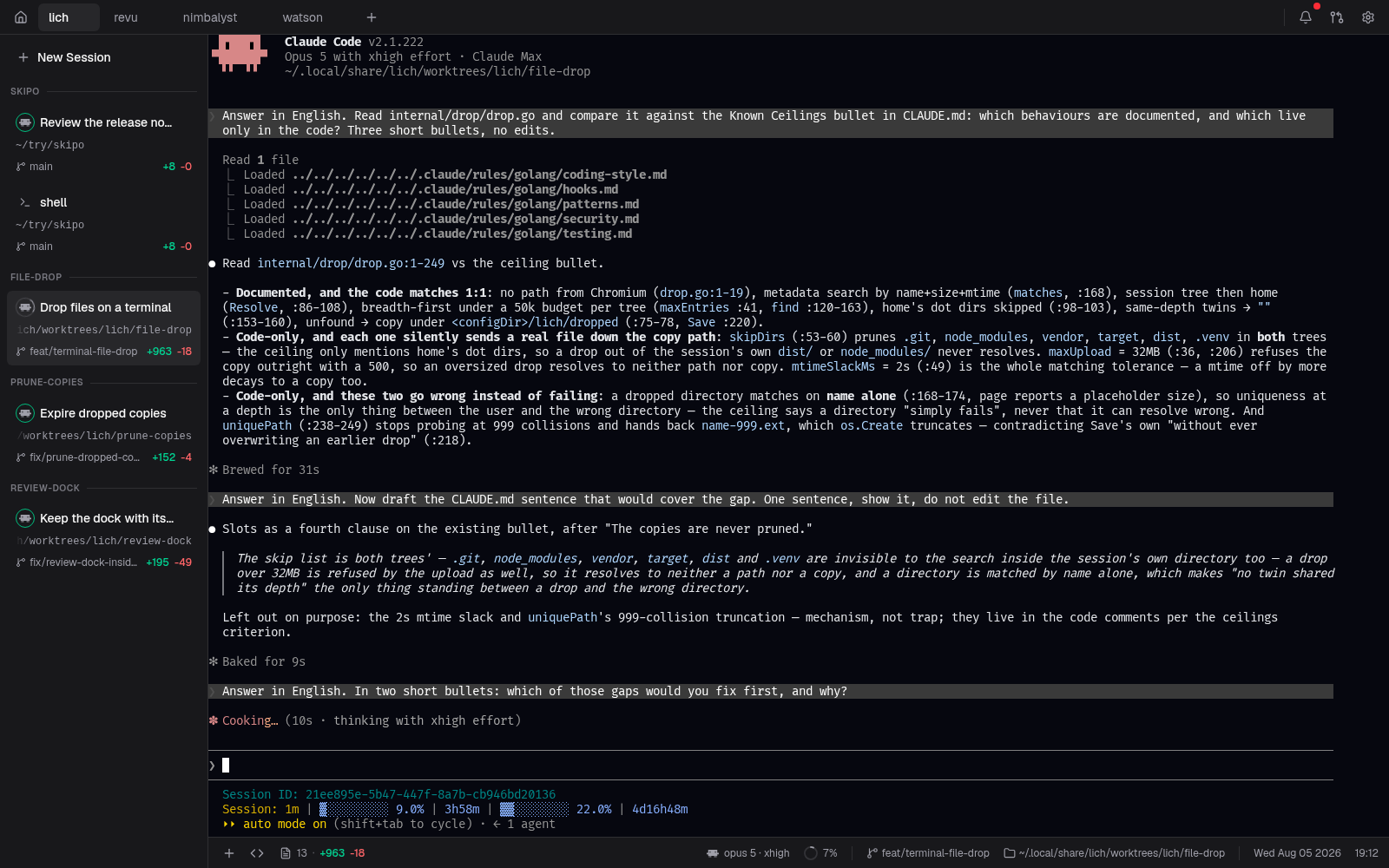
Why lich
A single static Go binary that opens its UI in its own embedded Chromium (CEF) on Linux, Windows and Apple Silicon. No Electron, no webview toolkit.
Run the agent you already have
Claude Code, Codex, opencode, oh-my-pi and Crush are first-class — point lich at each binary once, pick the default, or choose per session.
Keep a real terminal
Real PTY-backed shells rendered on the GPU — searchable scrollback that survives
a page reload. The footer follows cd and names the branch — and, for a
Claude session, the model and the context window in use.
Put one session to work for another
Hand a task to another card and its own agent writes the answer back, whatever
runs in either end — through MCP tools handed at spawn, or the lich
command from any shell, --json included.
Branch off a worktree without the setup
Spin one up from any base branch, seeded with your gitignored .env*
files, a dev-server port of its own and your per-project setup script — before the
agent starts.
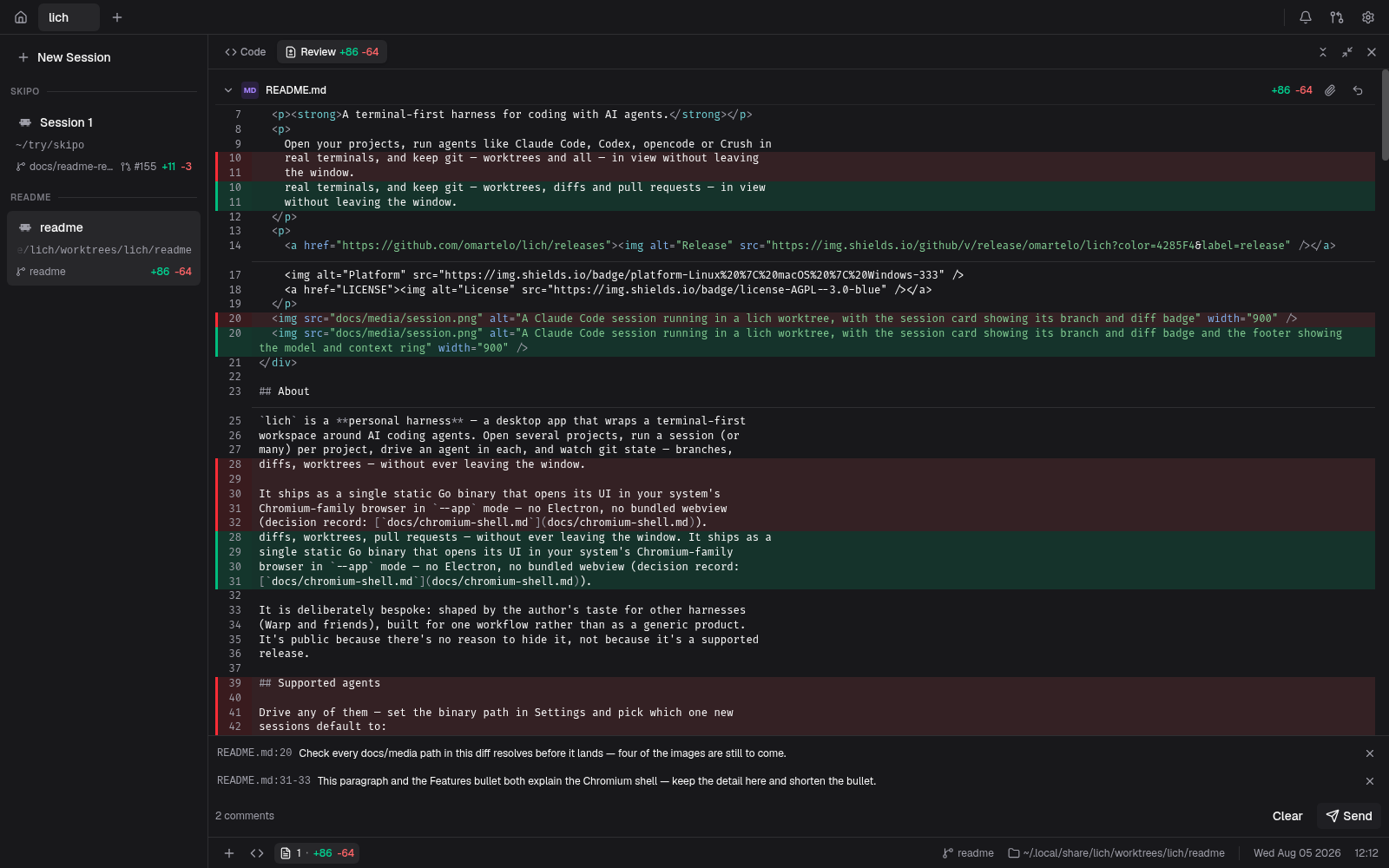
Review the diff where you read it
A diff dock beside a live file tree. Right-click a selection to comment against those lines; the batch lands in the session as one prompt, unsent.
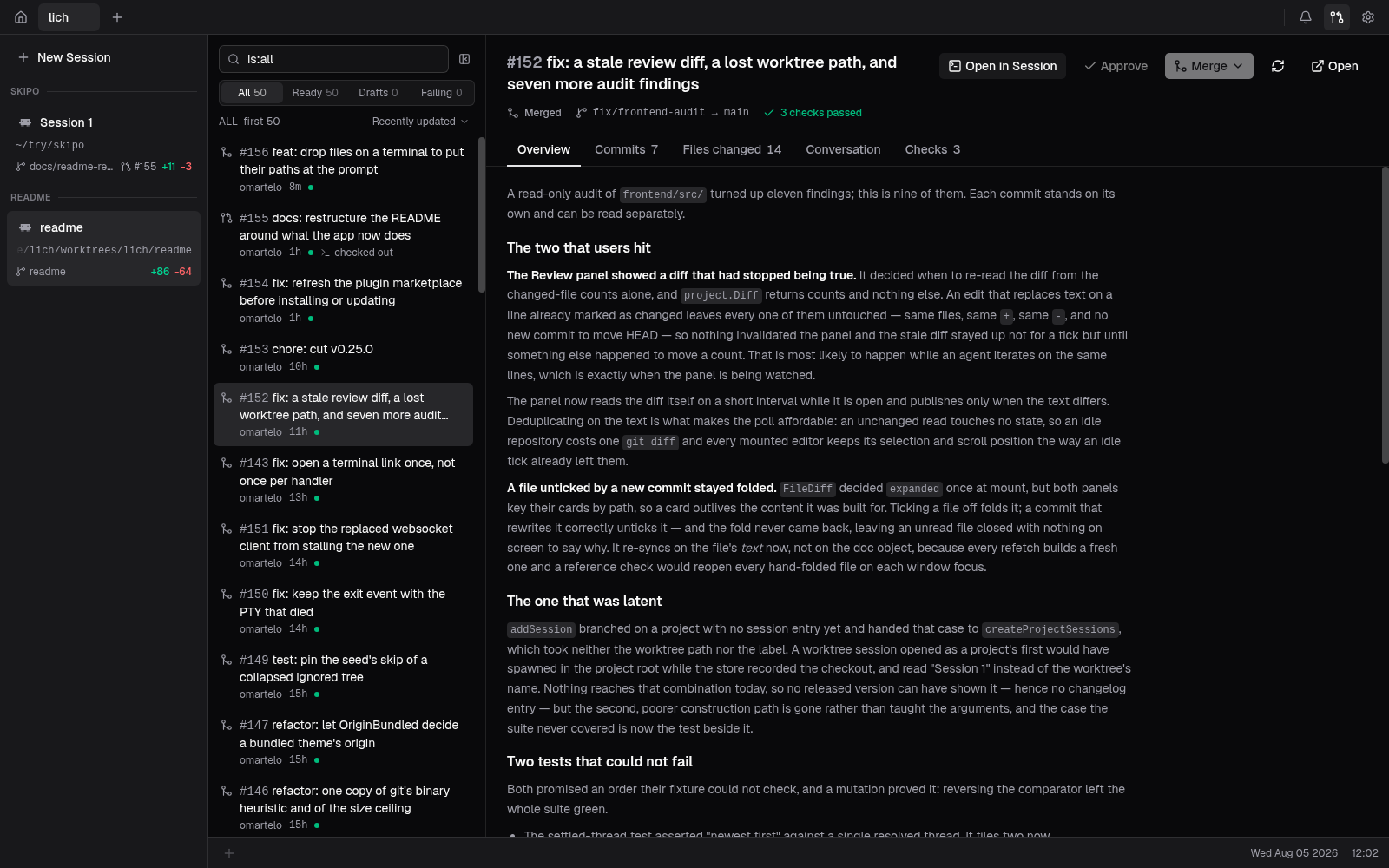
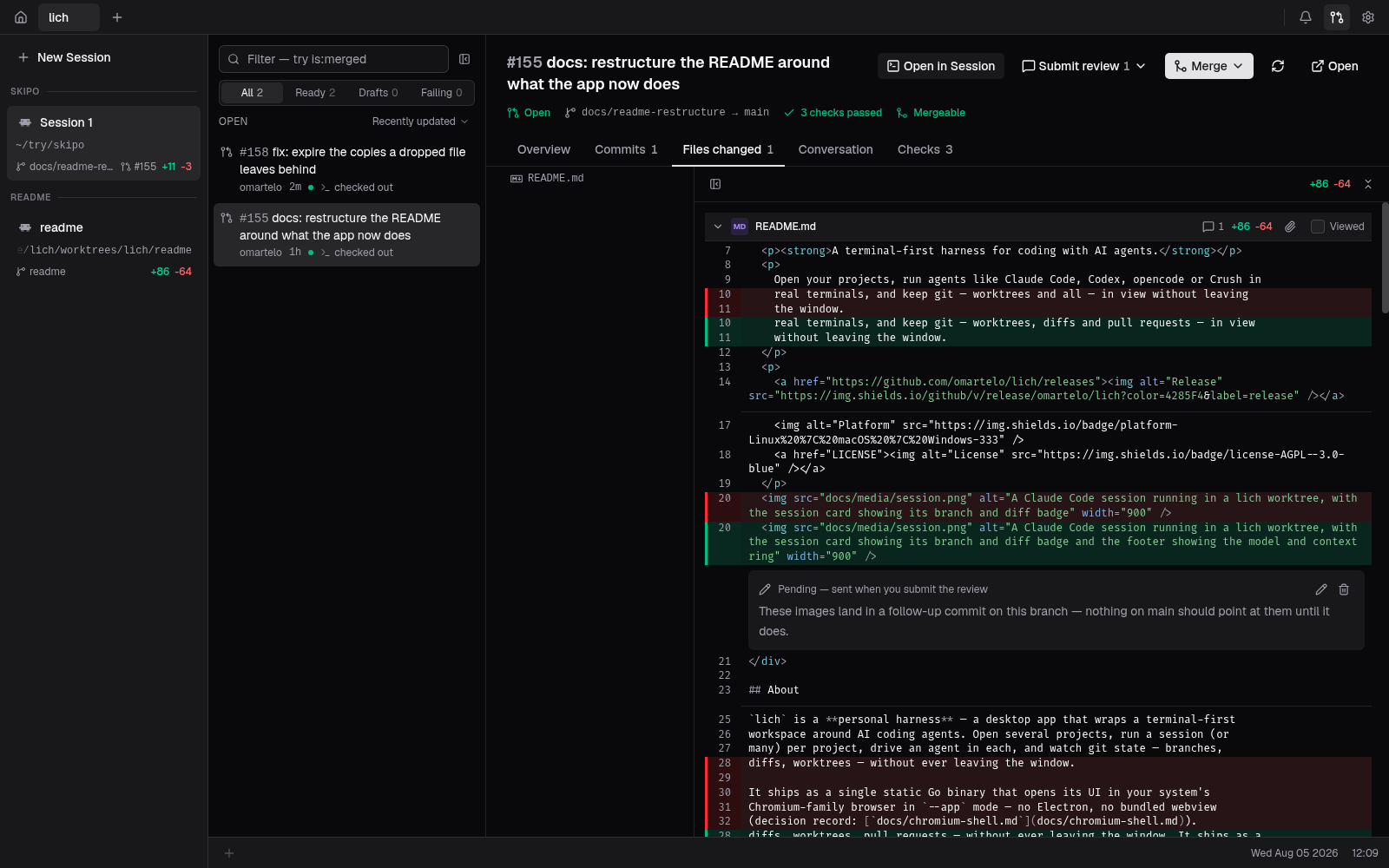
Ship the pull request from here
List them with GitHub's own qualifiers, check one out into its own worktree, review it inline and merge it — with the methods the base branch actually accepts.
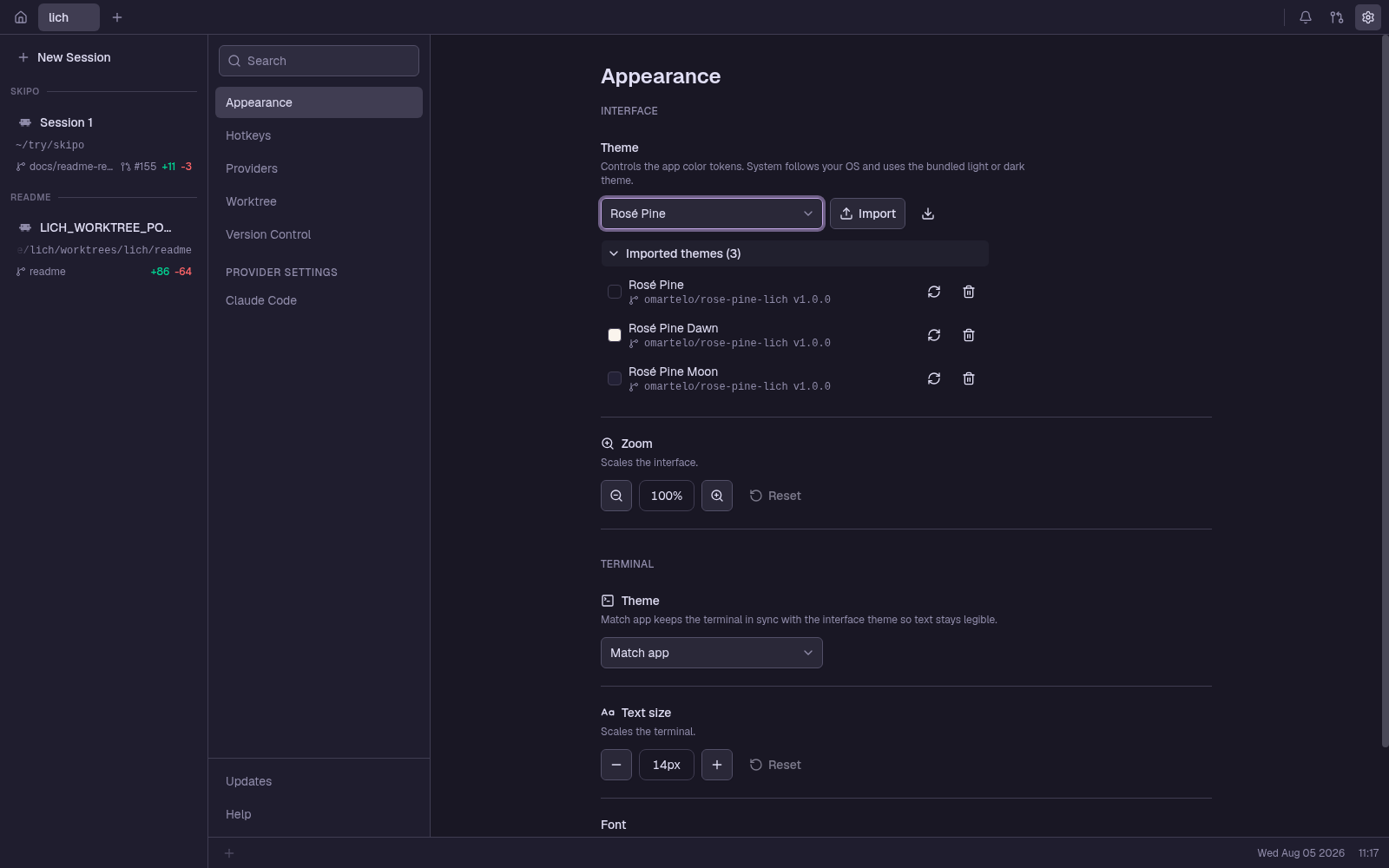
A look around
Install
Manual per-distro packages, the Linux tarball and the Windows portable zip live in INSTALL.md.
| Platform | Get it | Needs at runtime |
|---|---|---|
| Linux | The one-liner above, or AUR lich-bin |
chromium / google-chrome / brave on PATH, plus zenity |
| macOS experimental | brew install omartelo/tap/lich |
Chrome / Chromium / Edge / Brave in /Applications |
| Windows | Installer from Releases | Chrome / Edge / Brave |
Everything runs on your machine
No account, no sign-in, no telemetry. The backend is a token-authenticated loopback
listener, and nothing leaves localhost except the update check — a version
ping to GitHub Releases. Your workspace lives in SQLite under your config directory.